
Welcome
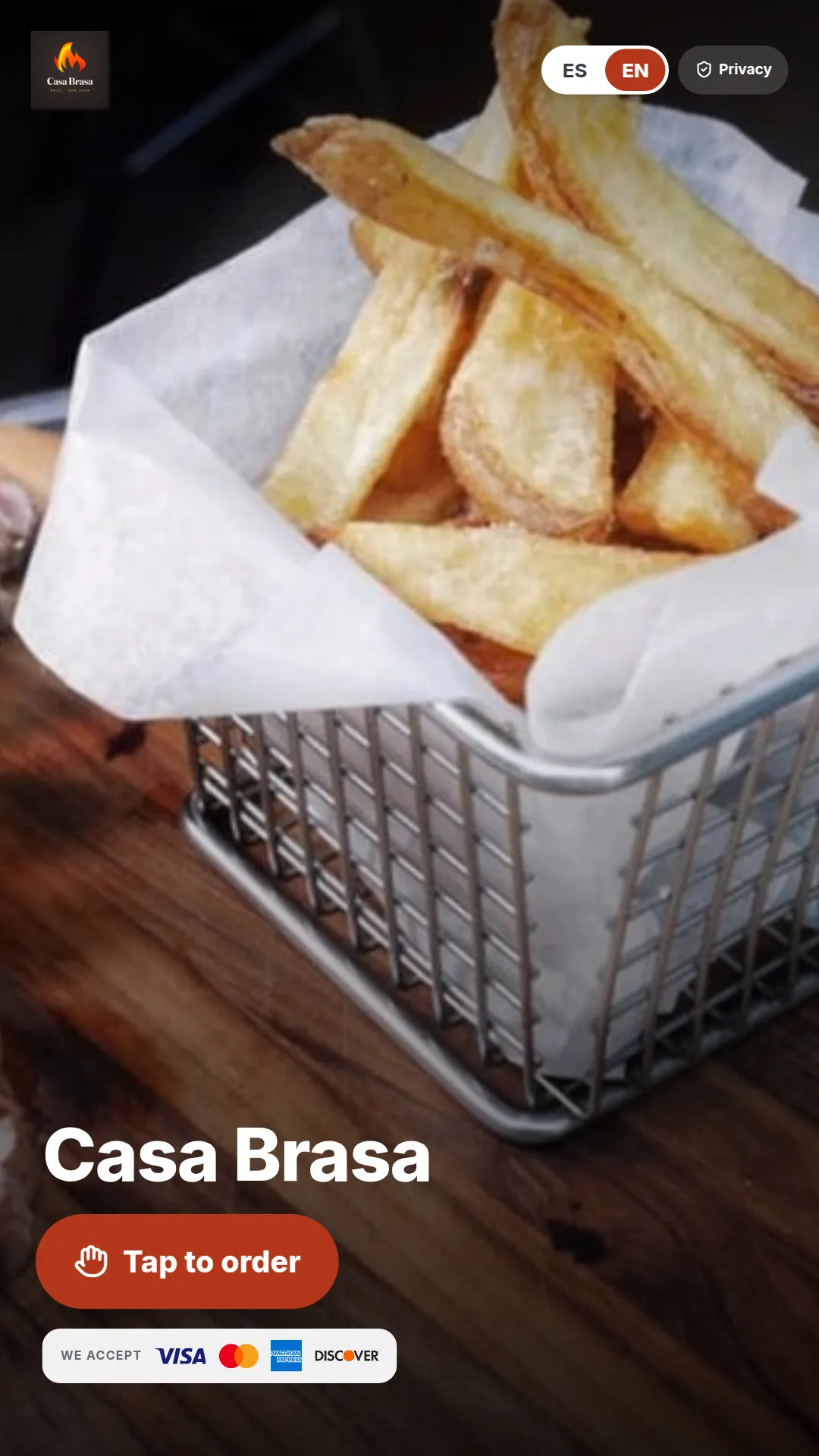
Your brand on the welcome screen
Logo, photo and the cards you accept, in English or Spanish.
 RestaurantsFull service, quick service and cafés
 RetailStores and specialty shops
 SupermarketsLanes, scales and offers
 DistributorsB2B portal, prices by customer and orders
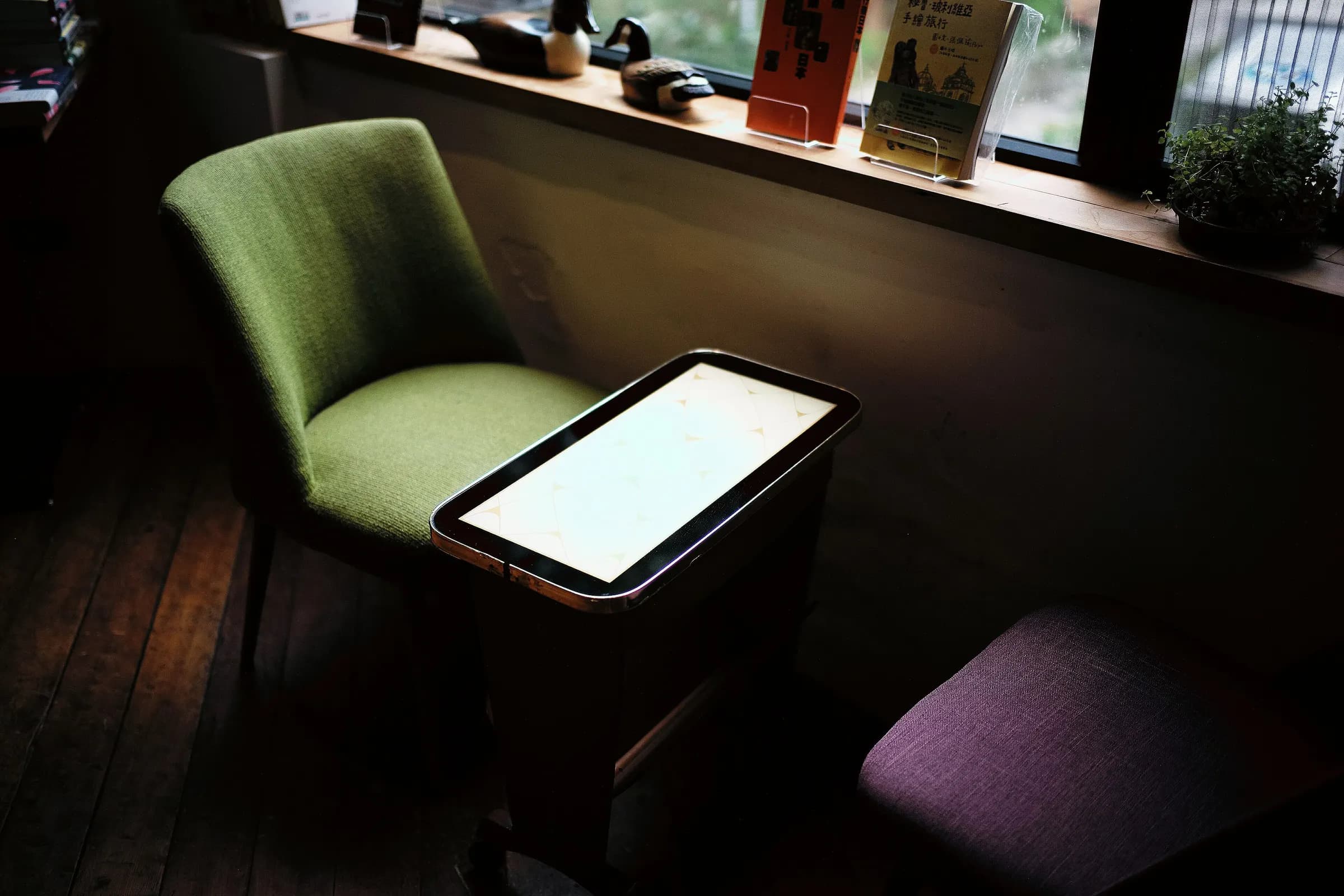 Chains & franchisesMany locations, one dashboard
 Arenas & eventsArenas, stadiums and events
 Hotels & resortsRoom, pool and beach ordering
Kiosks
Your menu with photos and modifiers, popular items up front and card payment on the terminal. Orders go straight to the kitchen.
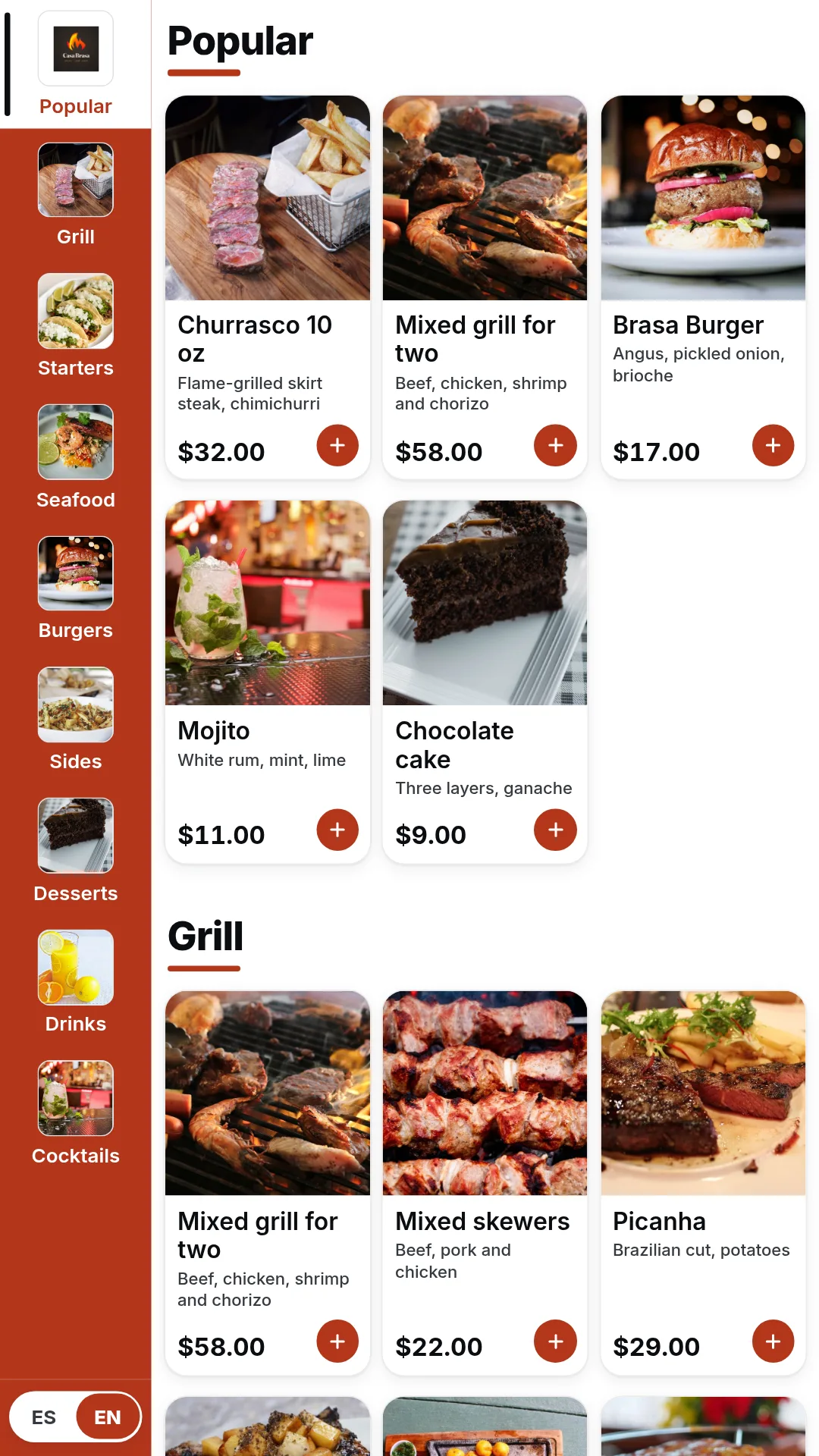
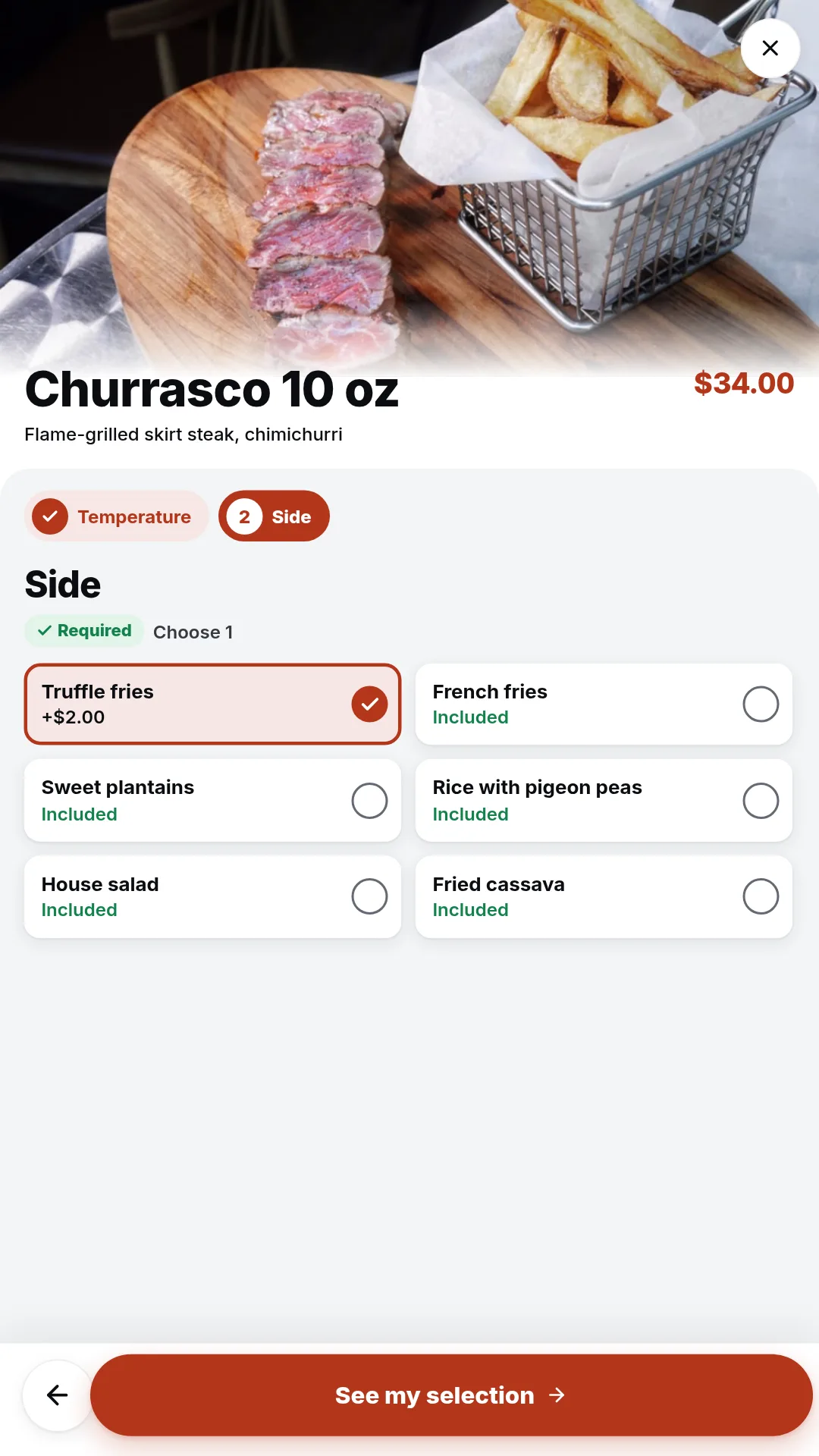
The same menu as your POS, on a screen your guests use on their own.
Welcome
Logo, photo and the cards you accept, in English or Spanish.
Menu
Categories, popular items and prices, always up to date.
Options
Temperature, sides and extras, with the price as they choose.
Payment
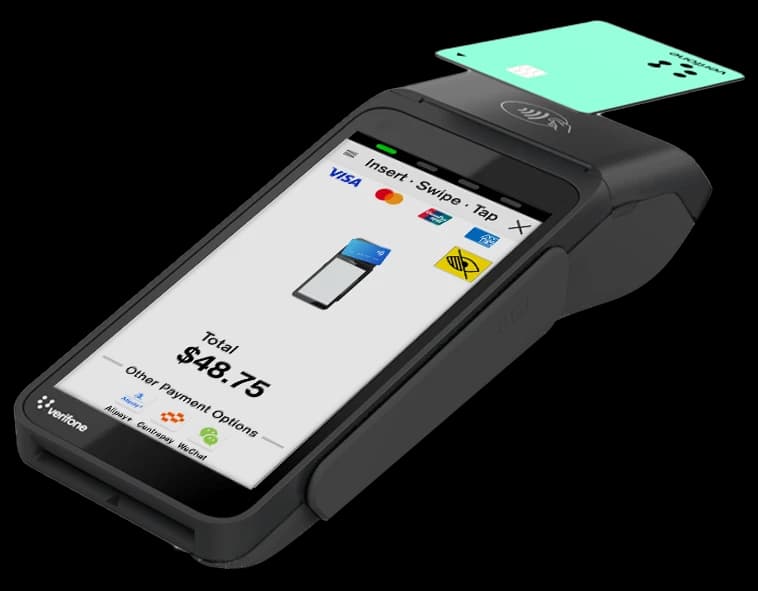
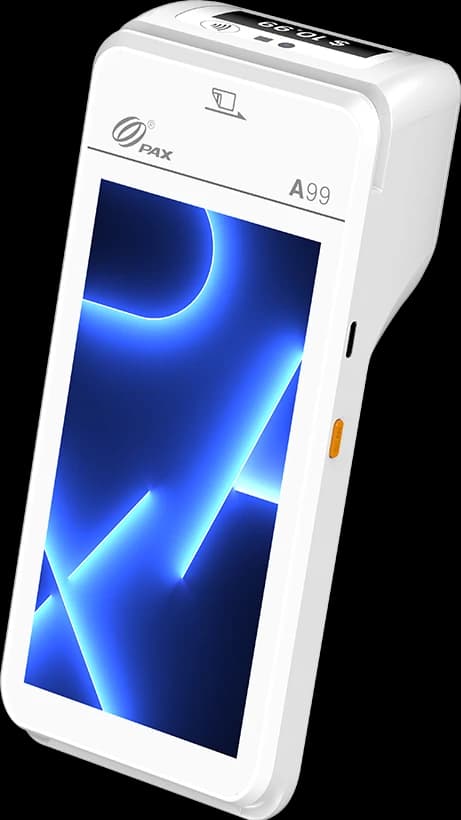
A Verifone terminal next to the screen, or pay at the counter.
Kitchen
Kiosk orders arrive with the rest, with times and colors.
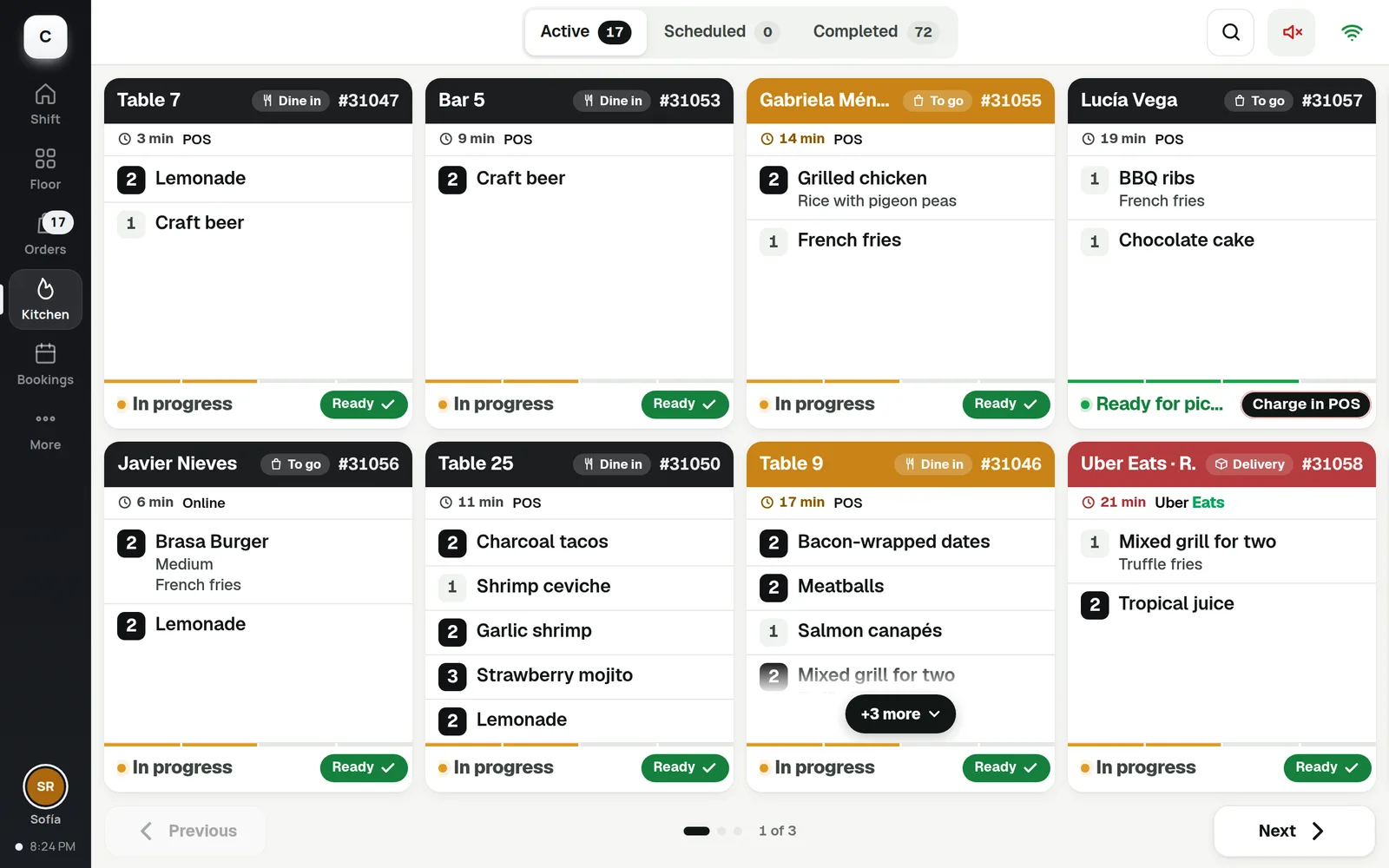
Change a price or sell out an item once. Every screen shows it.
One catalog
The kiosk uses the same catalog as your POS and online store.
Order at the table
Guests scan a QR, order from their phone and split the bill.
English and Spanish
Each guest picks the language on the screen.
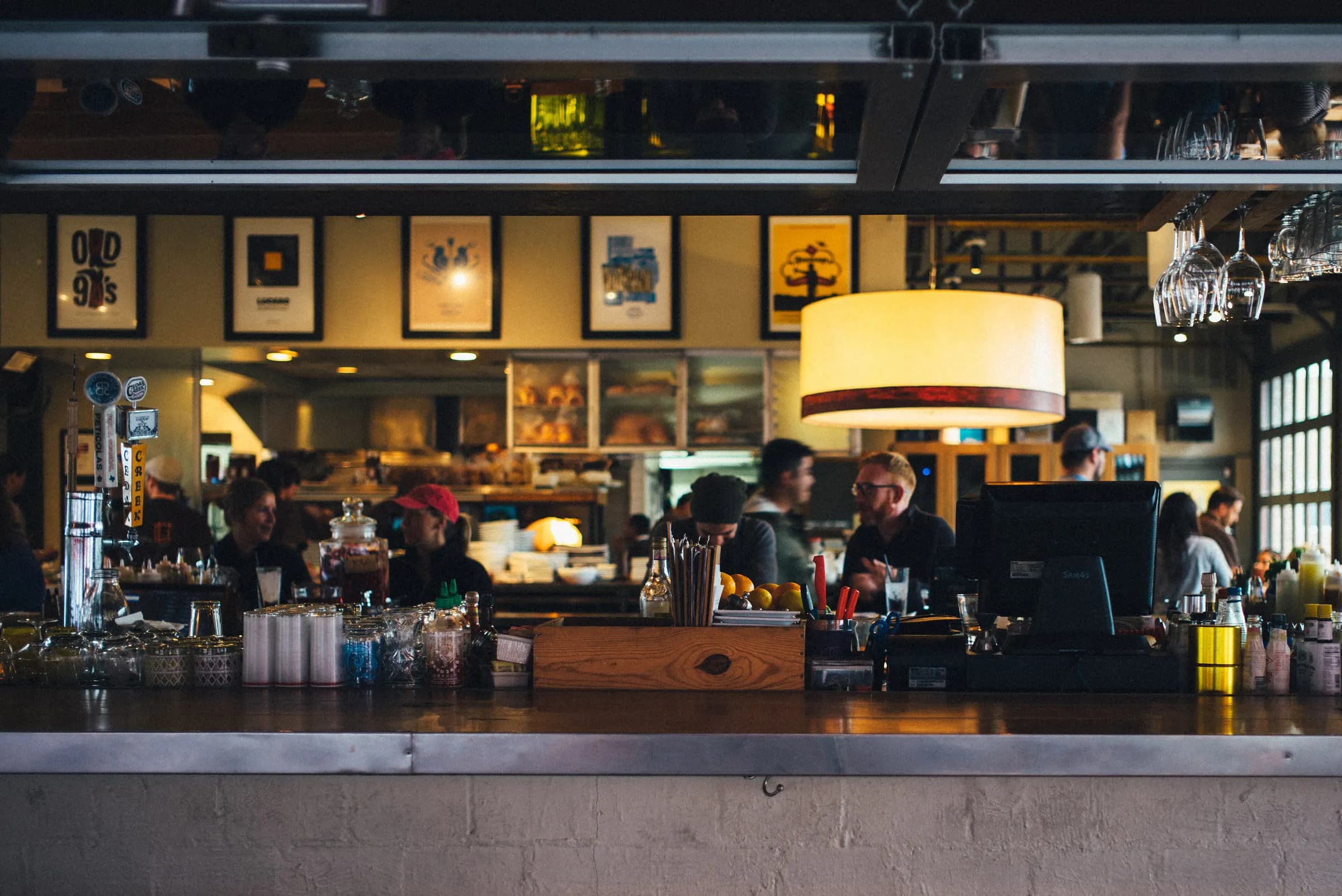
Self-service
Shorter lines at the counter
An Android tablet with the MCM kiosk app and a Verifone terminal for card payments.
No. The kiosk uses the same catalog as your POS and online store.
Yes. They can pay by card on the terminal or choose to pay at the counter.
To the kitchen display and the POS, with the rest of your orders.
Yes. Each guest picks the language on the screen.
Kiosks, POS and kitchen display in one system.