
POS
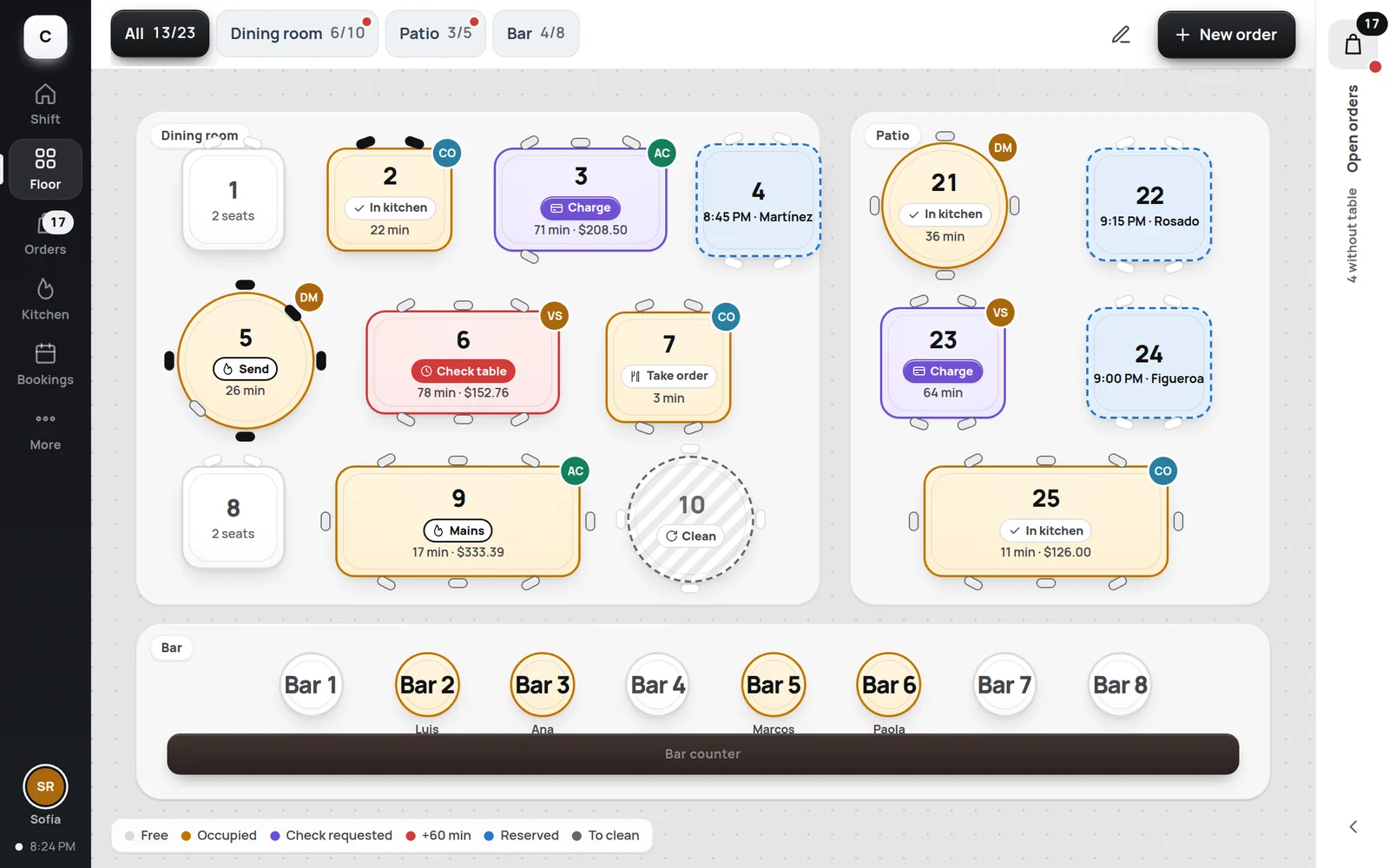
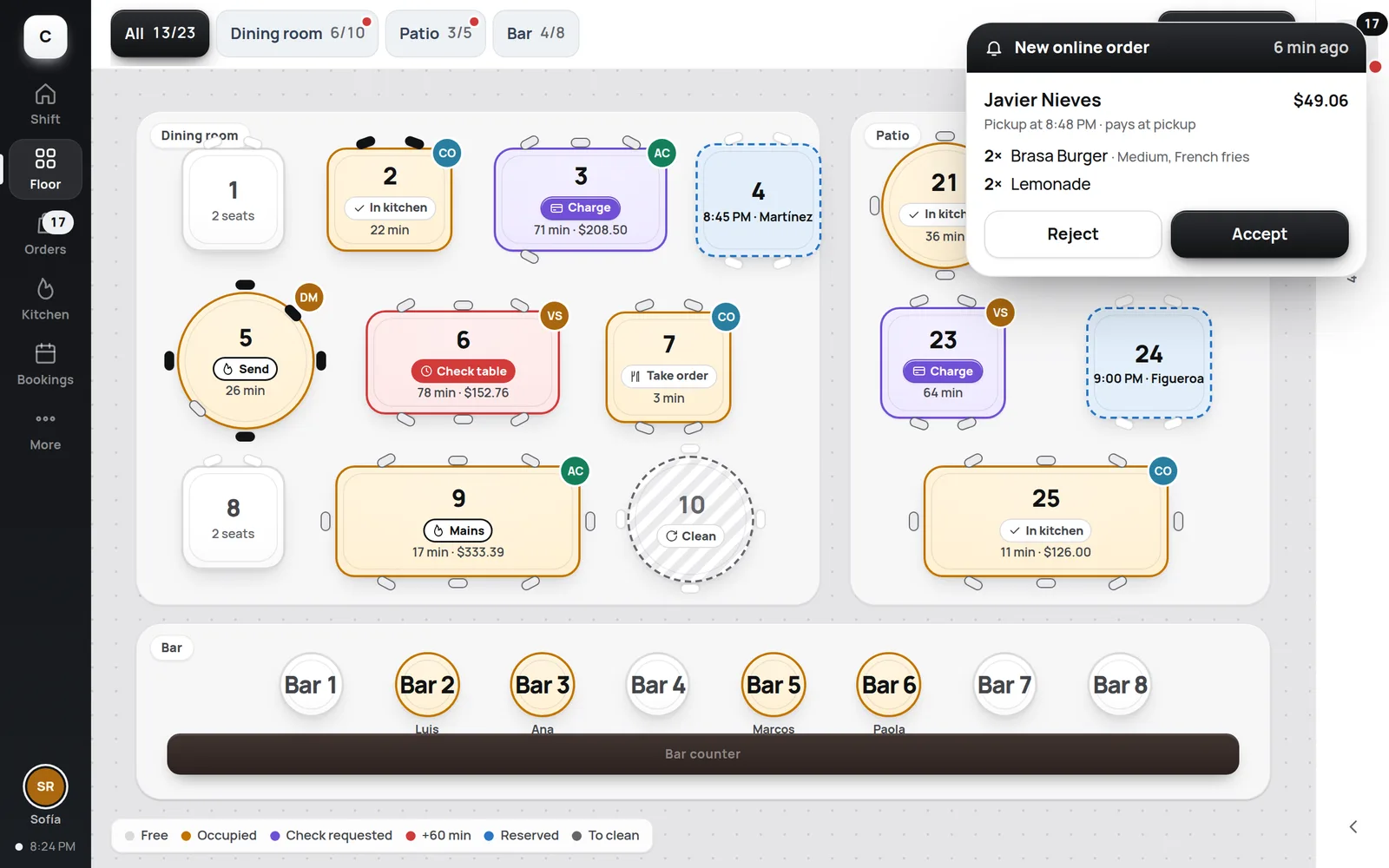
Floor plan with every table's status
Seats, courses and split checks, on a tablet or in the browser.
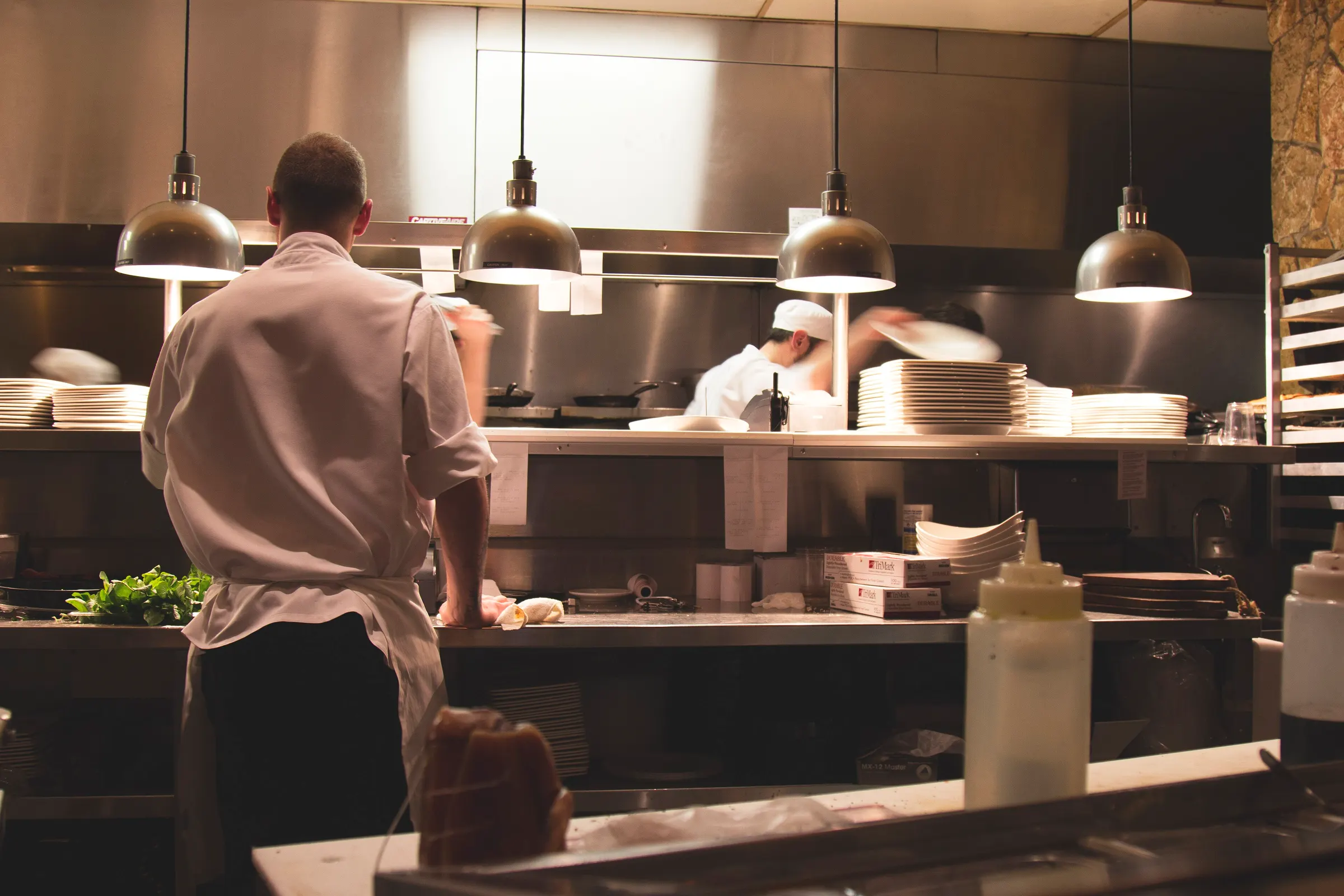 RestaurantsFull service, quick service and cafés
 RetailStores and specialty shops
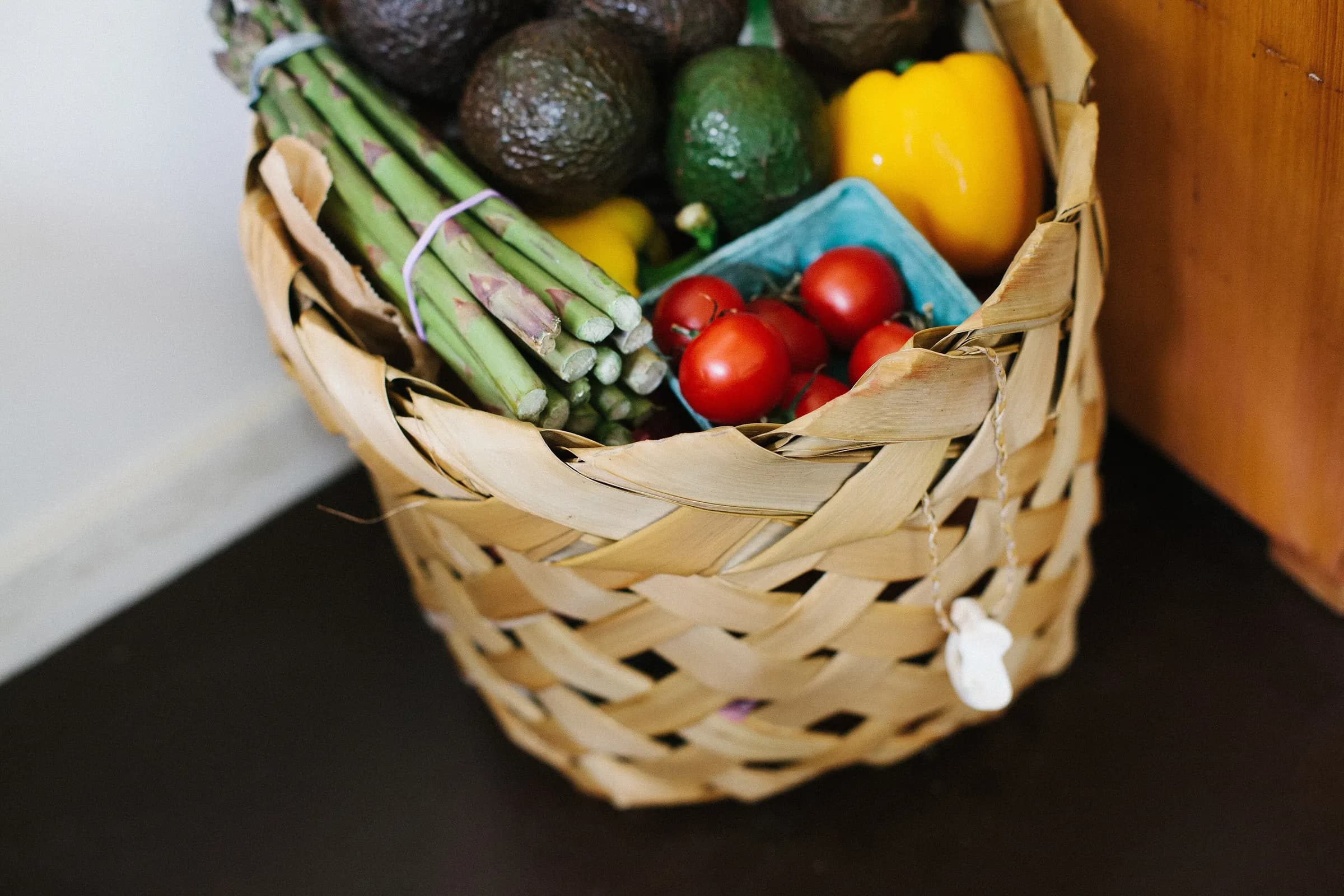 SupermarketsLanes, scales and offers
 DistributorsB2B portal, prices by customer and orders
 Chains & franchisesMany locations, one dashboard
 Arenas & eventsArenas, stadiums and events
 Hotels & resortsRoom, pool and beach ordering
Restaurants
Floor, kitchen, online orders, reservations and kiosks connected, with reports for every location.
Every order, from every channel, on the same floor and in the same kitchen.
POS
Seats, courses and split checks, on a tablet or in the browser.
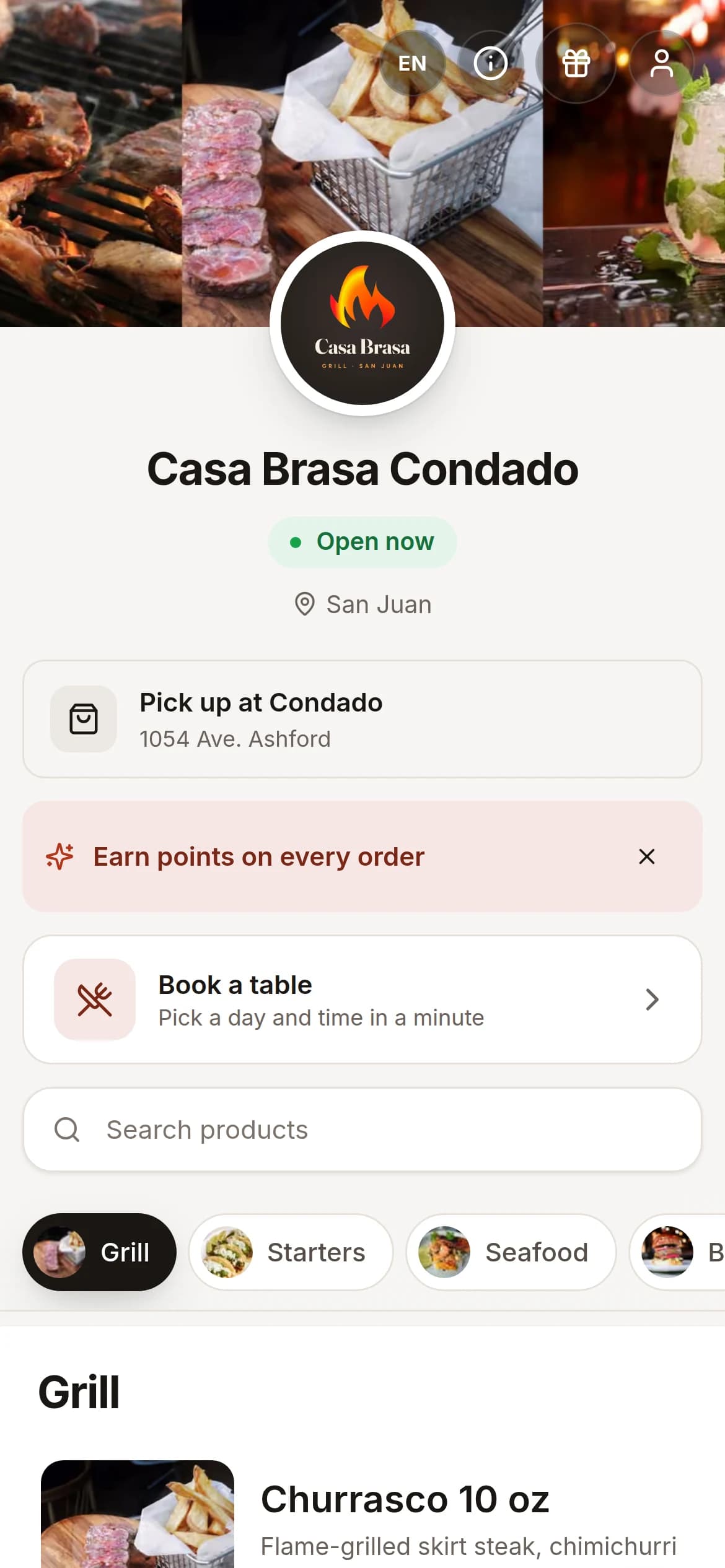
Online store
Your menu on your own link, with Uber Direct for delivery.
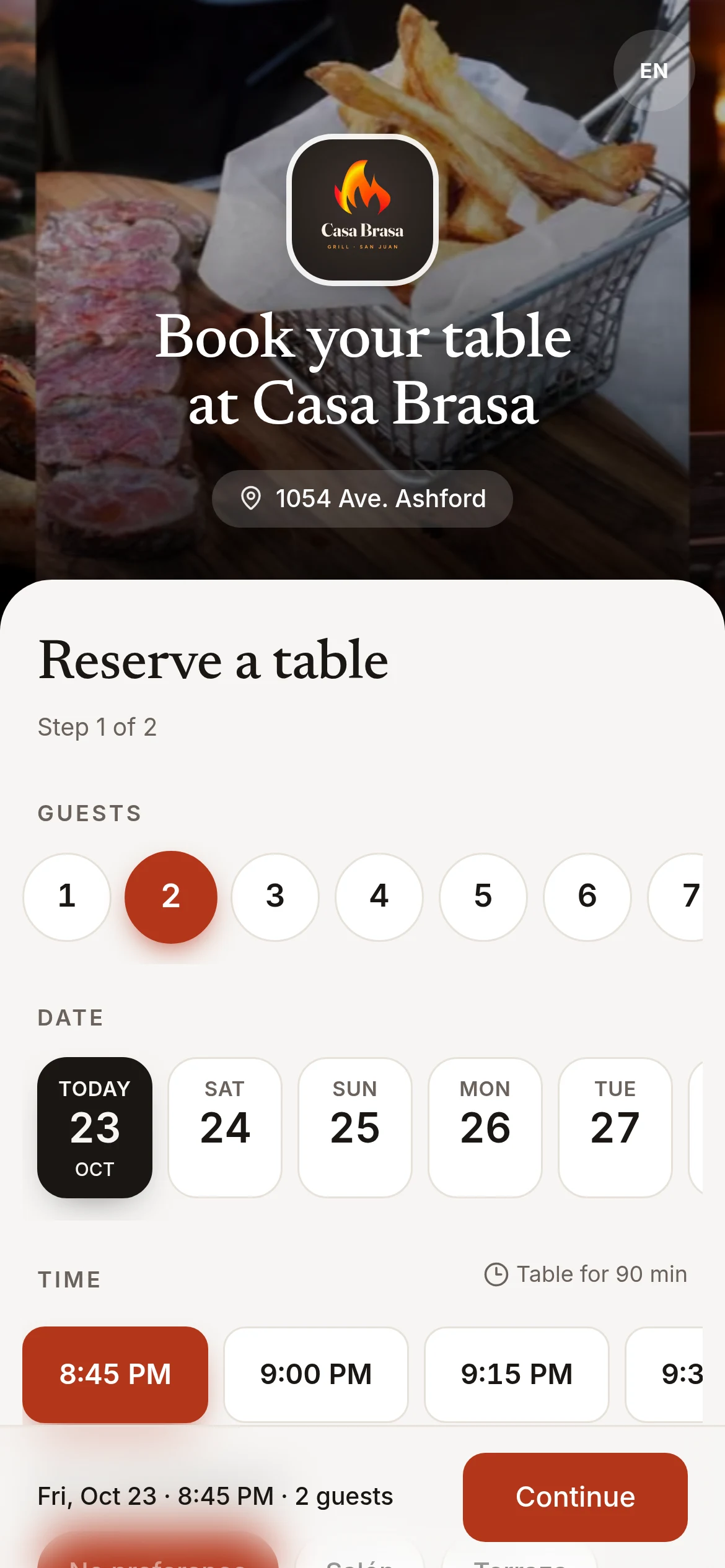
Reservations
Guests book online and your host seats them on the floor plan.
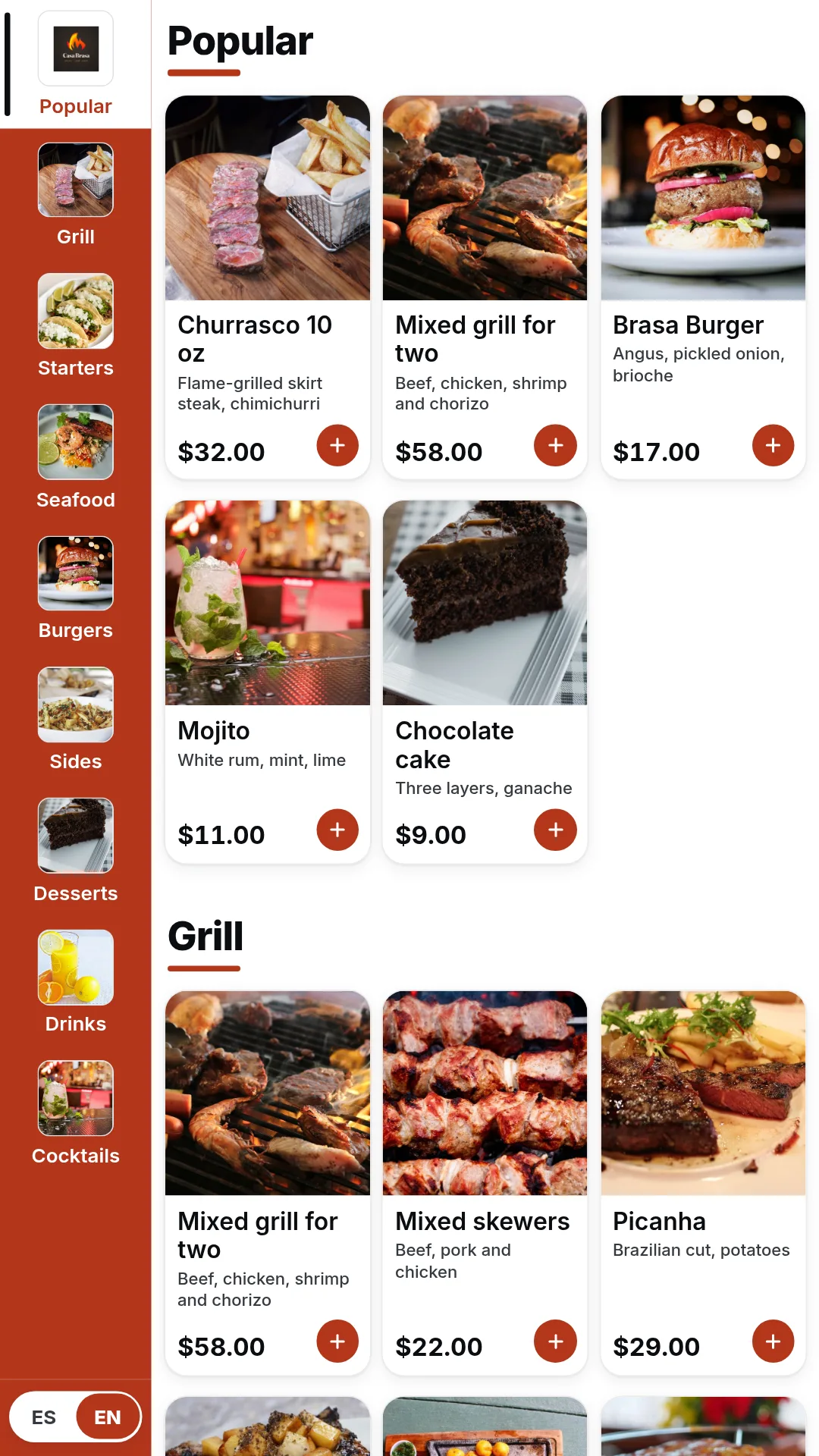
Kiosks
Guests order and pay on their own. Orders go to the kitchen.
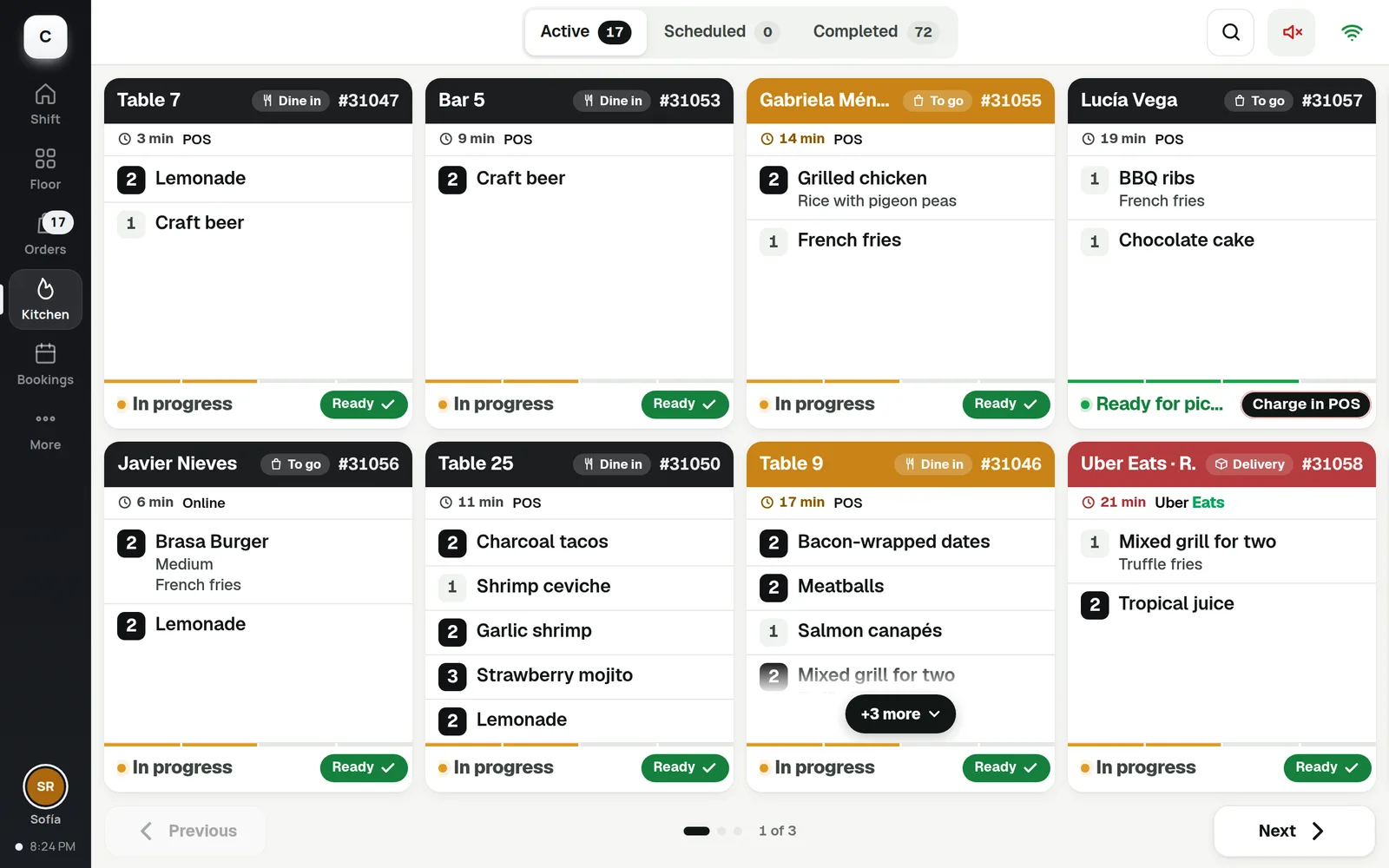
Kitchen
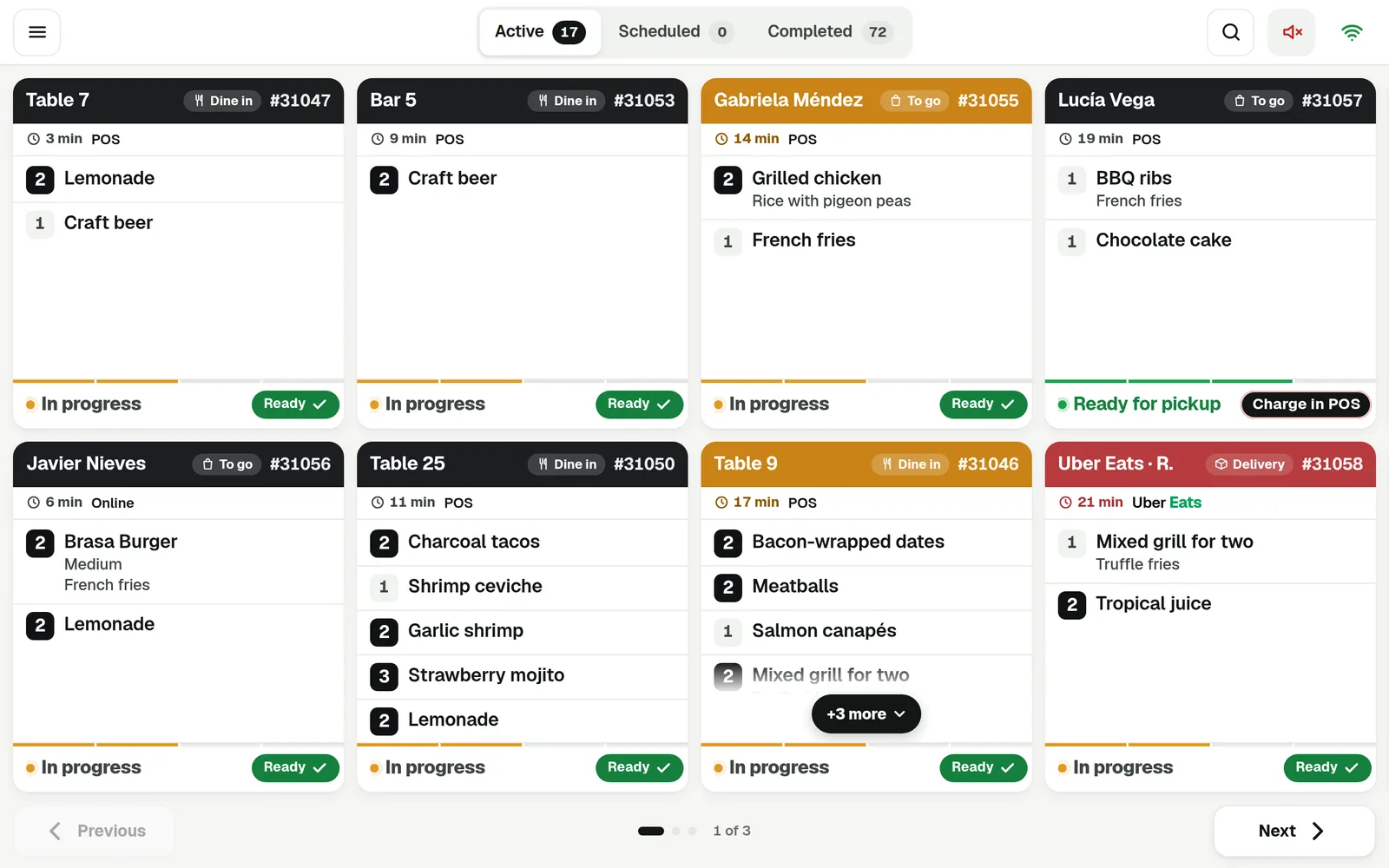
Ticket times, colors and an Expo view for the pass.
Staff App
Active orders from every channel, with timers and status.
The details that keep service moving on a busy night.
Courses and held items
Fire each course when the table is ready.
Split by seat, item or evenly
Each guest pays their part on the terminal, with the tip they choose.
Keeps taking orders offline
Orders go to the kitchen without internet. Card payments wait for the connection.
Busy nights
Service that keeps up with a full house





Yes. Take counter orders, run tables with seats and courses, or both in the same place.
Yes. Uber Eats orders enter the POS and item availability stays in sync.
If you use Aloha, you can keep it and send your online orders to it through Omnivore.
The POS keeps taking orders and sending them to the kitchen. Card payments wait for the connection.
POS, kitchen, online store, reservations and kiosks.